Types of Backup Solutions and ServicesThere are several approaches to backup and recovery, and the right solution depends on your organization’s business requirements, recovery objectives, compliance obligations, and IT resources. Most backup services can be grouped by how they are deployed and managed, including fully managed cloud services, on-premises appliances, hybrid solutions, disaster recovery platforms, and software-based backup systems. Organizations should also understand the four primary types of backups described below. In practice, most combine multiple methods to balance storage efficiency, recovery speed, and long-term retention. |
|
Managed Backup as a Service (BaaS)Backup as a Service (BaaS) allows organizations to outsource their data backup and recovery operations to an experienced MSP. Rather than purchasing and maintaining backup infrastructure internally, businesses receive a fully managed solution that includes backup scheduling, monitoring, storage management, reporting, and recovery assistance. |

Disaster Recovery Solutions (DRaaS and BDR)
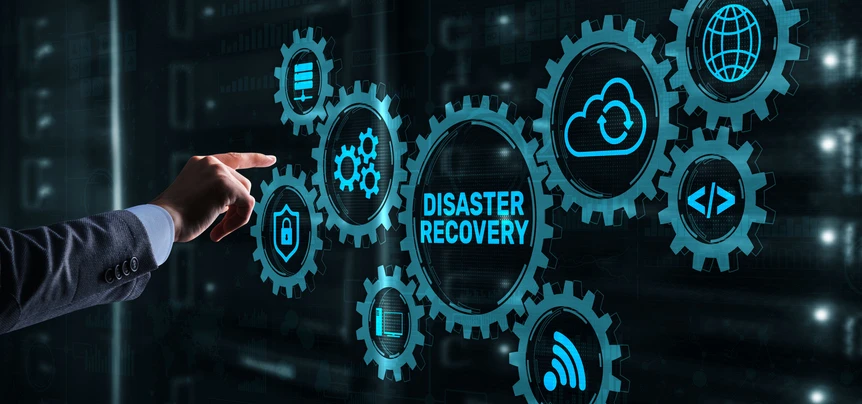
Traditional backups protect data, but disaster recovery solutions focus on restoring business operations. Disaster Recovery as a Service (DRaaS) replicates critical workloads so systems can be recovered rapidly following a server failure, ransomware attack, or site-wide outage. Backup and Disaster Recovery (BDR) solutions frequently combine local image-based backups with cloud replication to accelerate recovery.
Organizations should consider DRaaS when downtime creates significant financial losses, critical applications must remain available, remote employees require uninterrupted access, compliance requirements mandate rapid recovery, and multiple servers support essential business functions.
Unlike file-level backups, image-based disaster recovery allows entire systems, including operating systems, applications, settings, and data, to be restored much faster. For many organizations, backups alone are sufficient for recovering deleted files. However, businesses with aggressive Recovery Time Objectives (RTOs) often require DRaaS to minimize operational disruption.

On-Premises Backup Appliances and Hybrid Solutions
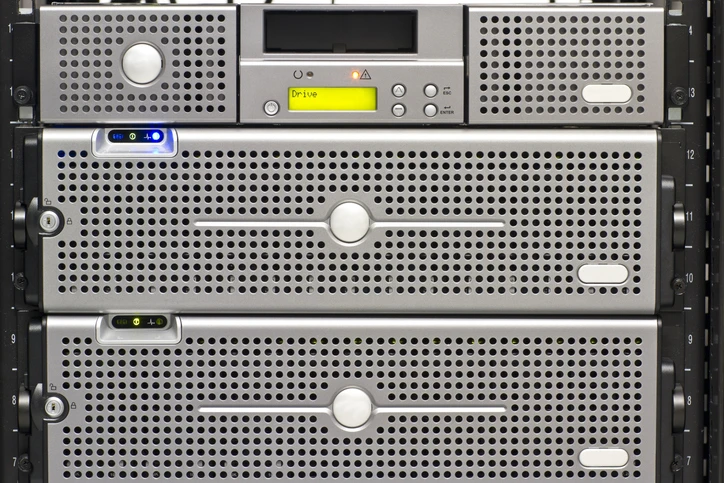
Although cloud backups have become increasingly popular, local backup appliances continue to play an important role. An on-premises appliance stores backups within the organization’s network, allowing very fast restoration of large files, databases, and virtual machines. This is especially valuable when limited internet bandwidth would slow cloud recovery. Many organizations choose hybrid backup architectures that combine local storage with cloud replication.
These solutions provide fast local restores, off-site disaster protection, geographic redundancy, improved ransomware resilience, and long-term cloud retention. Hybrid deployments also support the widely recommended 3-2-1 backup rule, which recommends maintaining three copies of data on two different media types with at least one copy stored off-site.
Backup Software and Agent-Based Solutions
Some organizations prefer installing backup software directly on their systems rather than outsourcing management. Agent-based backup software provides granular control over servers, desktops, databases, and applications. Organizations with experienced internal IT teams often choose these solutions because they allow customized scheduling, retention policies, and workload-specific configurations.
Modern backup platforms also support agentless protection for virtual environments such as VMware and Hyper-V. Agentless backups reduce administrative overhead by protecting virtual machines without installing software on each guest operating system. Backup software can be an effective option for organizations with unique infrastructure requirements or internal compliance policies requiring direct management of backup operations.
Cloud Backup Services
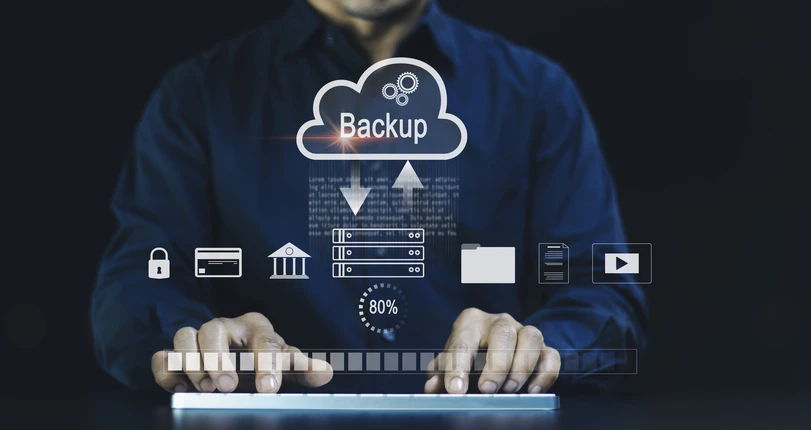
Cloud backup services securely transfer and store critical business data in protected off-site cloud environments, reducing an organization’s dependence on local hardware and strengthening its ability to recover from unexpected disruptions. By backing up data directly to the cloud, businesses can minimize the need to purchase, maintain, and manage physical backup infrastructure while helping protect valuable information from hardware failures, cyberattacks, accidental deletion, and natural disasters.
Cloud-based solutions also provide flexible storage capacity that can expand as data requirements grow, allowing organizations to scale without investing in additional on-premises equipment. With automated backups, secure encryption, ongoing monitoring, and dependable recovery options, cloud backup services offer a practical and resilient approach to protecting data, maintaining business continuity, and reducing operational demands on internal IT teams.

What to Look for in Backup and Recovery SolutionsNot every backup platform offers the same capabilities. SMBs should prioritize features that directly affect recovery reliability rather than focusing solely on storage capacity. Reliable backup and recovery solutions should automate backups, verify backup integrity, monitor failures continuously, and simplify recovery during stressful situations. |
Recovery Speed, RTO, and RPORecovery speed is often more important than backup speed. Organizations should define their own Recovery Time Objectives (RTOs) and Recovery Point Objectives (RPOs), then ask vendors for realistic examples of recovery times they have actually achieved for similar environments. |
|
Ransomware Protection and Immutable BackupsRansomware continues to be one of the largest threats to business data. Modern backup solutions should include immutable backups, preventing backup copies from being modified or deleted for a defined retention period. Some providers also maintain air-gapped backup copies that remain isolated from production systems. |
Cloud Storage, Tiering, and Cost ControlsCloud storage costs can increase as backup data grows. Businesses should verify which storage tiers are available and whether automated tiering can move older backups into lower-cost archival storage. These features help optimize storage costs while maintaining reliable data protection |
Security, Encryption, and Compliance
Backup security should receive the same attention as production systems. Organizations should verify that providers use strong encryption standards such as AES-256 for data at rest and current TLS versions for data in transit. Multi-factor authentication should protect administrative access, and role-based permissions should limit who can manage backup systems. Businesses operating in regulated industries should also confirm support for compliance requirements. Comprehensive audit logging and reporting further strengthen security and compliance efforts.
Monitoring, Reporting, and Backup Assurance
Backups that are never tested cannot be trusted. Continuous monitoring helps identify failed jobs before they become serious problems. Providers should also supply regular reports showing backup success rates, storage usage, protected systems, and recovery readiness. Recovery assurance features such as automated verification testing can confirm that backup images remain recoverable before an actual disaster occurs.

Next Steps
Choosing the right MSP can significantly improve the effectiveness of your backup and recovery strategy while reducing the burden on internal IT teams. TeamLogic IT Assist provides managed data backup and recovery solutions designed to help SMBs protect critical information, minimize downtime, and strengthen business continuity. Our team can assess your current backup environment, identify potential risks, recommend improvements, and implement solutions tailored to your operational requirements.